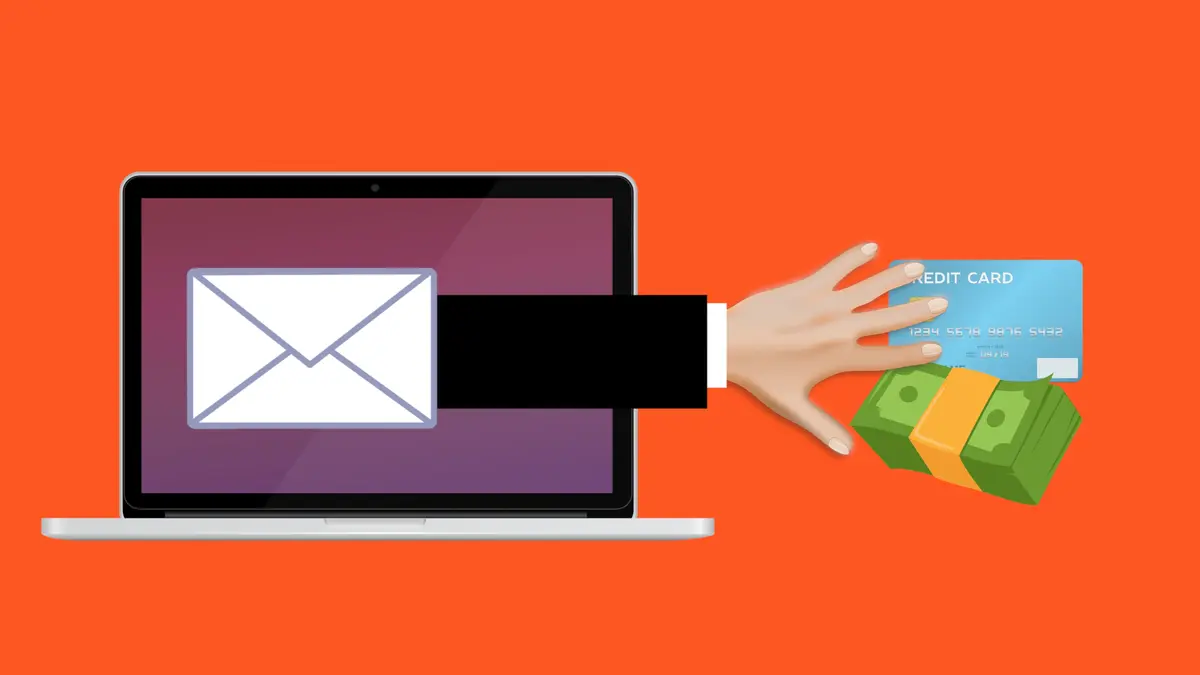
One convincing email is all it takes. An employee clicks a link, types in a password, and within minutes an attacker is inside your systems. Phishing remains the number-one way criminals break into small businesses — not because it’s sophisticated, but because it targets people, not machines. The good news: once your team knows what to look for, phishing becomes one of the easiest attacks to stop. Here’s how to spot it and shut it down.
What Phishing Actually Is
Phishing is a social-engineering attack where someone impersonates a trusted person or company to trick you into handing over sensitive information or taking a harmful action. It usually arrives by email, but it also shows up as text messages (smishing), phone calls (vishing), and fake login pages.
The goal is almost always one of three things: steal your credentials, install malware, or trick you into sending money. Because phishing exploits human trust rather than technical flaws, no firewall alone can fully block it — awareness is essential.
The Main Types Small Businesses Face
Mass Phishing
Generic emails blasted to thousands of addresses, pretending to be from banks, delivery services, or popular software. These are easier to spot but still catch busy or distracted employees.
Spear Phishing
Targeted messages crafted for a specific person, often using details pulled from your website or social media. A spear-phishing email might reference a real project or colleague, making it far more convincing.
Business Email Compromise (BEC)
An attacker impersonates an executive, supplier, or partner to request an urgent payment or a change of bank details. BEC is one of the costliest scams for small businesses because it targets your finances directly and often bypasses spam filters.
How to Spot a Phishing Message
Most phishing attempts share the same warning signs. Train everyone to slow down and check for these red flags before clicking anything.
- Urgency and pressure: “Act now,” “your account will be closed,” or “immediate payment required.” Urgency is designed to stop you from thinking.
- Mismatched sender addresses: The display name looks legitimate, but the actual email domain is slightly off (for example, “@paypa1.com” instead of “@paypal.com”).
- Suspicious links: Hover over a link before clicking. If the destination doesn’t match the supposed sender, don’t click.
- Unexpected attachments: Invoices, resumes, or receipts you weren’t expecting can carry malware.
- Requests for credentials or payment: Legitimate companies rarely ask you to confirm your password by email.
- Generic greetings and odd wording: “Dear Customer” combined with grammatical mistakes is a classic tell.
Building Your Defenses
Stopping phishing takes a mix of technology and human awareness. Layer these protections so that if one fails, another catches the attack.
1. Deploy Strong Email Filtering
Use an email provider or security service with advanced anti-phishing and anti-malware filtering. These tools catch a large share of malicious messages before they ever reach an inbox.
2. Authenticate Your Domain
Set up SPF, DKIM, and DMARC records for your domain. These make it much harder for attackers to spoof your business’s email address and protect both your team and your customers from impersonation.
3. Turn On Multi-Factor Authentication
If a phishing attack does capture a password, MFA can still block the login. It’s the single most effective safety net against credential theft.
4. Verify Financial Requests Independently
Make it a firm rule: any request to send money or change payment details must be confirmed through a second channel — a phone call to a known number, not a reply to the email. This one habit defeats most BEC scams.
5. Train and Test Regularly
Run short awareness sessions and consider simulated phishing tests to see how your team responds. The aim isn’t to punish mistakes but to build reflexes. Make reporting easy and blame-free so employees flag suspicious messages instead of hiding them.
What to Do If Someone Clicks
Mistakes happen, and speed matters more than blame. If an employee suspects they’ve fallen for a phishing attempt:
- Disconnect the device from the network if malware may be involved.
- Change the affected passwords immediately, and any accounts that shared the same credentials.
- Enable or verify MFA on the compromised accounts.
- Notify your bank right away if payment details or financial access were exposed.
- Scan for malware and monitor accounts for unusual activity.
- Report the incident internally so others can be warned of the same campaign.
Frequently Asked Questions
Can’t a good spam filter block all phishing?
Filters catch most mass phishing, but targeted spear phishing and BEC are designed to slip through. That’s why human awareness and MFA remain essential layers.
How often should we train staff?
Short refreshers every quarter work better than a single annual session. Frequent, bite-sized reminders keep the warning signs top of mind.
What if the email looks exactly like it’s from my bank?
Never use links or phone numbers provided in the message. Go directly to the official website or call the number on the back of your card to verify.
Final Thoughts
Phishing works because it targets trust, urgency, and human error — but those are exactly the things training can address. Combine smart email filtering, domain authentication, and MFA with a well-informed team, and you close the door that criminals rely on most. Encourage your staff to pause, verify, and report. In cybersecurity, a moment of healthy suspicion is worth more than any expensive tool.