If there is one security change that gives a small business the biggest protection for the least effort, it’s multi-factor authentication. Passwords alone are no longer enough — they get stolen, guessed, reused, and leaked in data breaches every single day. Multi-factor authentication (MFA) adds a second lock to the door, so that even when a criminal has your password, they still can’t get in. In this guide, we’ll explain exactly what MFA is, how it works, why your business needs it, and how to roll it out without frustrating your team.
What Is Multi-Factor Authentication?
Multi-factor authentication is a security method that requires two or more separate proofs of identity before granting access to an account. Instead of relying on a password alone, MFA combines factors from different categories, so a single stolen credential isn’t enough to break in.
Security professionals group these proofs into three classic categories:
- Something you know — a password, PIN, or answer to a security question.
- Something you have — a phone, an authenticator app, or a physical security key.
- Something you are — a fingerprint, face scan, or other biometric.
When you log in with a password and then approve a prompt on your phone, you’re combining “something you know” with “something you have.” That combination is what makes MFA so effective. You may also hear the term two-factor authentication (2FA); it’s simply MFA using exactly two factors.
Why Passwords Alone Fail
Passwords have been the backbone of online security for decades, but they were never designed for today’s threat landscape. There are several reasons they no longer hold up on their own.
First, people reuse them. When employees use the same password across multiple services, a breach at one company hands attackers the keys to others. Second, passwords get phished. A convincing fake login page can capture credentials in seconds. Third, weak passwords are easy to guess or crack with automated tools that try billions of combinations. And fourth, massive breaches regularly dump millions of username-and-password pairs onto the dark web, where criminals buy them cheaply and test them against other sites.
MFA breaks this chain. Even if your password is stolen, phished, or guessed, the attacker still can’t complete the login without the second factor — which is sitting safely in your pocket.
How MFA Actually Works
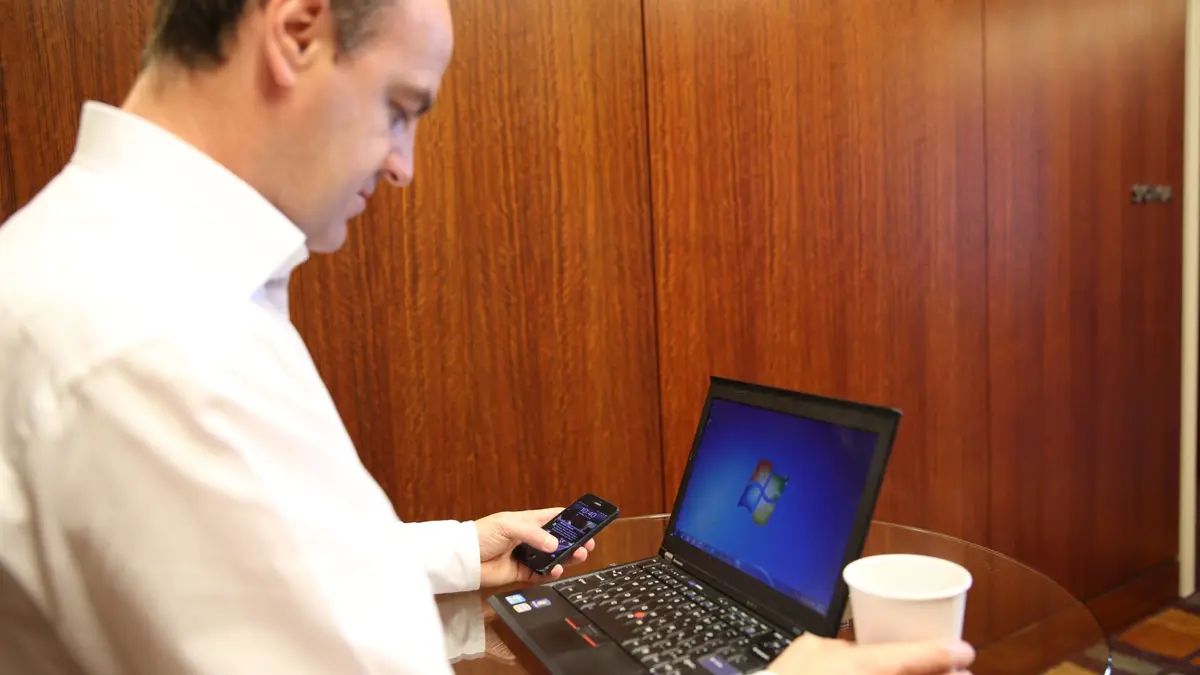
The experience is simple for the user, even though there’s clever technology behind it. You enter your username and password as usual. Then the system asks for a second proof. Depending on the method, you might approve a push notification, type in a six-digit code, or tap a security key. Only after that second step succeeds are you let in.
Behind the scenes, the second factor is generated or verified independently of your password, which is why compromising one doesn’t compromise the other. This separation is the core of MFA’s strength.
The Main Types of MFA
Not all second factors are created equal. Here are the most common options, roughly from least to most secure.
SMS Text Codes
You receive a one-time code by text message and type it in. This is the most familiar method and far better than no MFA at all. However, it’s the weakest option because determined attackers can intercept texts through SIM-swapping attacks, where they trick a mobile carrier into transferring your number to their device. Use SMS if it’s the only option available, but prefer something stronger where you can.
Authenticator Apps
Apps like Google Authenticator, Microsoft Authenticator, and Authy generate time-based codes that refresh every 30 seconds, or send push notifications you approve with a tap. Because the codes are generated on your device rather than sent over the network, they’re immune to SIM-swapping and much harder to intercept. For most small businesses, authenticator apps hit the sweet spot of strong security and easy use.
Hardware Security Keys
A hardware key is a small physical device — often USB or NFC — that you tap or plug in to verify your identity. Keys built on the FIDO2 or WebAuthn standards are the gold standard because they’re highly resistant to phishing: the key verifies it’s talking to the genuine website, not a fake one. For high-value accounts like administrators, finance, and email, hardware keys are worth the investment.
Biometrics
Fingerprint and facial recognition are increasingly built into laptops and phones. They’re convenient and secure as a factor, and they’re often combined with a device you already have, adding another layer without extra hardware.
Why Every Small Business Needs MFA
It’s tempting to assume MFA is only for big corporations, but small businesses are frequent targets precisely because attackers expect weaker defenses. Account takeover is one of the most common and damaging attacks, and it almost always starts with a stolen password. MFA is the single most effective control for stopping it.
Consider what a compromised account can unlock: your email, which is the master key to resetting other passwords; your banking and payment platforms; your customer records; and your cloud storage. A single takeover can cascade into fraud, data theft, and reputational damage. MFA dramatically reduces that risk for very little cost.
There’s also a growing business case beyond security. Many cyber-insurance providers now require MFA before they’ll issue or renew a policy, and certain compliance frameworks expect it too. Turning on MFA can be a prerequisite for doing business with larger partners.
Where to Enable MFA First
You don’t have to turn on MFA everywhere at once. Start with the accounts that would cause the most damage if compromised, then expand from there. Prioritize in roughly this order:
- Email accounts — because email is used to reset almost every other password.
- Banking and payment systems — where the financial impact is immediate.
- Administrator and cloud dashboards — anything with elevated access to your systems.
- Business apps holding customer or financial data — CRMs, accounting tools, and file storage.
- Remote access tools and VPNs — the doors into your internal network.
Rolling Out MFA Without Frustrating Your Team
The biggest obstacle to MFA usually isn’t technology — it’s people. If the rollout feels like a burden, employees resist it. A little planning keeps adoption smooth.
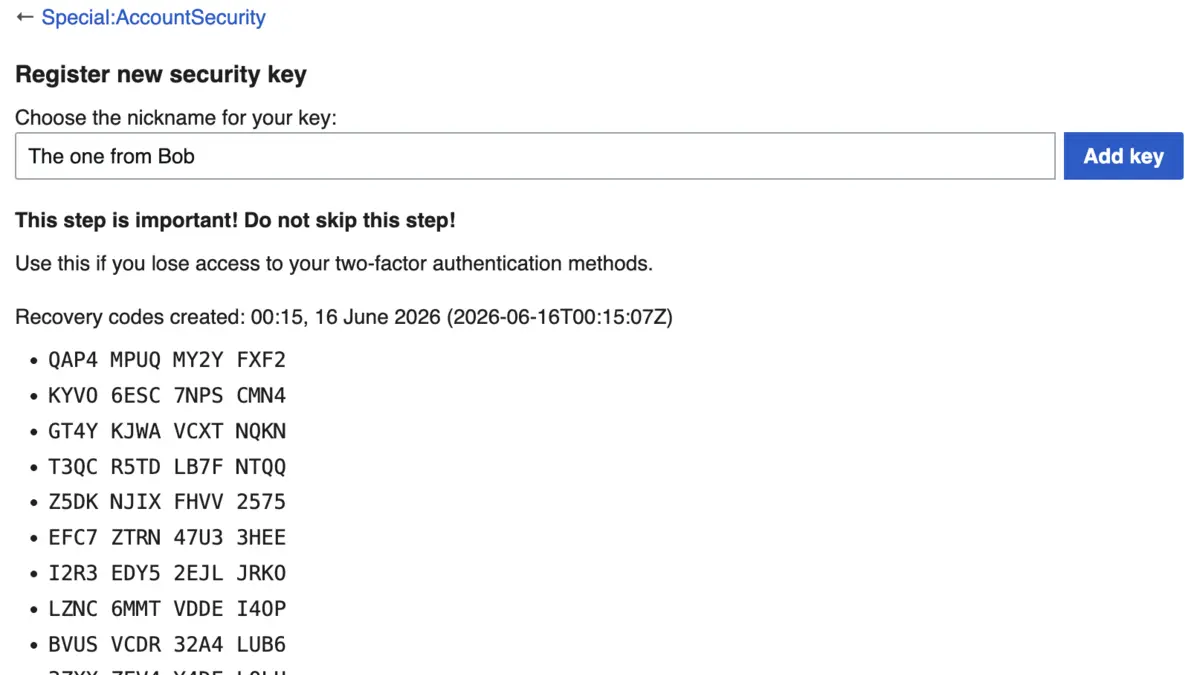
Start by explaining the “why” in plain terms: MFA protects both the company and the employee’s own accounts. Roll it out in phases rather than all at once, beginning with a small group so you can iron out issues. Choose user-friendly methods like push-notification authenticator apps, which are faster than typing codes. Provide simple, step-by-step setup instructions and a point of contact for help. Finally, set up backup options — such as backup codes — so that a lost or replaced phone doesn’t lock someone out.
Common MFA Mistakes to Avoid
MFA is powerful, but a few missteps can undermine it. Don’t rely solely on SMS for your most sensitive accounts. Don’t forget to secure the account-recovery process, since attackers often bypass MFA by exploiting weak “forgot password” flows. Don’t let administrators skip MFA “for convenience” — privileged accounts are exactly the ones criminals want. And don’t neglect to record backup codes in a safe place, or a lost device could mean a lockout.
MFA and Password Managers: A Winning Combination
MFA works best alongside a password manager. The password manager ensures every account has a long, unique password, while MFA guarantees that even a stolen password isn’t enough. Together, they close the two biggest gaps in everyday account security. Many password managers can also store your MFA codes, though keeping them in a separate app adds an extra layer of independence.
MFA for Remote and Hybrid Teams
The shift to remote and hybrid work has made MFA more important than ever. When employees log in from home networks, personal devices, coffee shops, and airports, the traditional office perimeter disappears. Anyone with a stolen password could sign in from anywhere in the world, and you’d have no easy way to tell them apart from a legitimate employee.
MFA restores that missing layer of trust. By requiring a second factor tied to a device the real employee controls, it ensures that a leaked password from a home Wi-Fi breach or a phishing email can’t be used to walk straight into your systems. For distributed teams, MFA on email, VPNs, and cloud collaboration tools should be considered non-negotiable. Pair it with clear guidance on securing home routers and avoiding public Wi-Fi for sensitive work, and your remote setup becomes dramatically safer.
Does MFA Guarantee Complete Security?
MFA is extraordinarily effective, but no single control is a silver bullet, and it’s important to understand its limits. Sophisticated attackers have developed techniques to bypass weaker forms of MFA, such as “MFA fatigue” attacks that bombard a user with approval prompts until they tap “approve” out of frustration, or real-time phishing pages that relay codes as you enter them.
The good news is that these advanced attacks are far rarer than simple password theft, and stronger MFA methods defeat them. Phishing-resistant options like hardware security keys and modern passkeys are designed specifically to stop relay attacks. To counter MFA fatigue, teach employees never to approve a prompt they didn’t personally trigger, and consider number-matching features that require entering a code shown on screen. MFA doesn’t replace other defenses — updates, training, and least-privilege access still matter — but it removes the easiest and most common path attackers take.
Frequently Asked Questions
Is MFA really necessary for a small business?
Yes. Account takeover through stolen passwords is one of the most common attacks on small businesses, and MFA is the most effective, low-cost defense against it. It’s widely considered a baseline security measure.
What happens if an employee loses their phone?
This is why backup options matter. Most MFA systems provide backup codes or allow an administrator to reset a user’s second factor after verifying their identity. Set these recovery options up in advance.
Does MFA slow everyone down?
Only slightly, and modern methods like push notifications take just a second. Many systems also let you mark trusted devices so you’re not prompted on every single login, balancing security with convenience.
Is SMS-based MFA safe enough?
SMS is far better than no MFA, but it’s the weakest method because of SIM-swapping risks. Use it where nothing else is offered, but prefer authenticator apps or hardware keys for important accounts.
Final Thoughts
Multi-factor authentication is one of those rare security upgrades that delivers enormous protection for minimal effort and cost. It neutralizes the single most common way attackers break into business accounts — stolen passwords — and it’s available on nearly every important platform you already use. Start by enabling it on your email and financial accounts today, roll it out thoughtfully to your team, and pair it with a password manager for complete everyday protection. In a world where credentials leak constantly, MFA is no longer optional — it’s the foundation of modern business security.