

The word “firewall” gets used constantly in cybersecurity, but many business owners have only a vague idea of what one actually does. Is it software? Hardware? Something your internet provider handles? And more importantly — does your small business actually need one? The short answer is yes, and in this guide we’ll explain exactly what a firewall is, the different types available, how they protect your business, and how to choose and configure one without needing an IT degree.
What Is a Firewall?
A firewall is a security barrier that sits between your network and the outside world, monitoring the traffic that flows in and out. Think of it as a security guard at the entrance to a building: it checks everyone trying to enter or leave against a set of rules, allowing legitimate traffic through and blocking anything suspicious or unauthorized.
Every time a device on your network communicates with the internet — loading a website, sending an email, syncing files — data travels in small packets. A firewall inspects these packets and decides, based on its rules, whether to permit or deny them. This simple concept is one of the oldest and most fundamental defenses in network security, and it remains essential today.
Why Your Business Needs a Firewall
Without a firewall, every device on your network is directly exposed to the internet, where automated attacks scan constantly for unprotected systems. A firewall provides a critical first line of defense against several threats.
It blocks unauthorized access attempts, stopping outsiders from probing or connecting to your systems. It filters malicious traffic, helping keep malware and intrusion attempts out. It can prevent data from leaving your network without permission, which matters if a device is compromised. And it gives you visibility and control over what enters and exits, so you can enforce your security policies. For a small business, a firewall isn’t a luxury — it’s a baseline requirement that dramatically reduces your exposure.
Types of Firewalls
Firewalls come in several forms, and most businesses end up using more than one layer. Understanding the categories helps you make sense of your options.
Hardware Firewalls
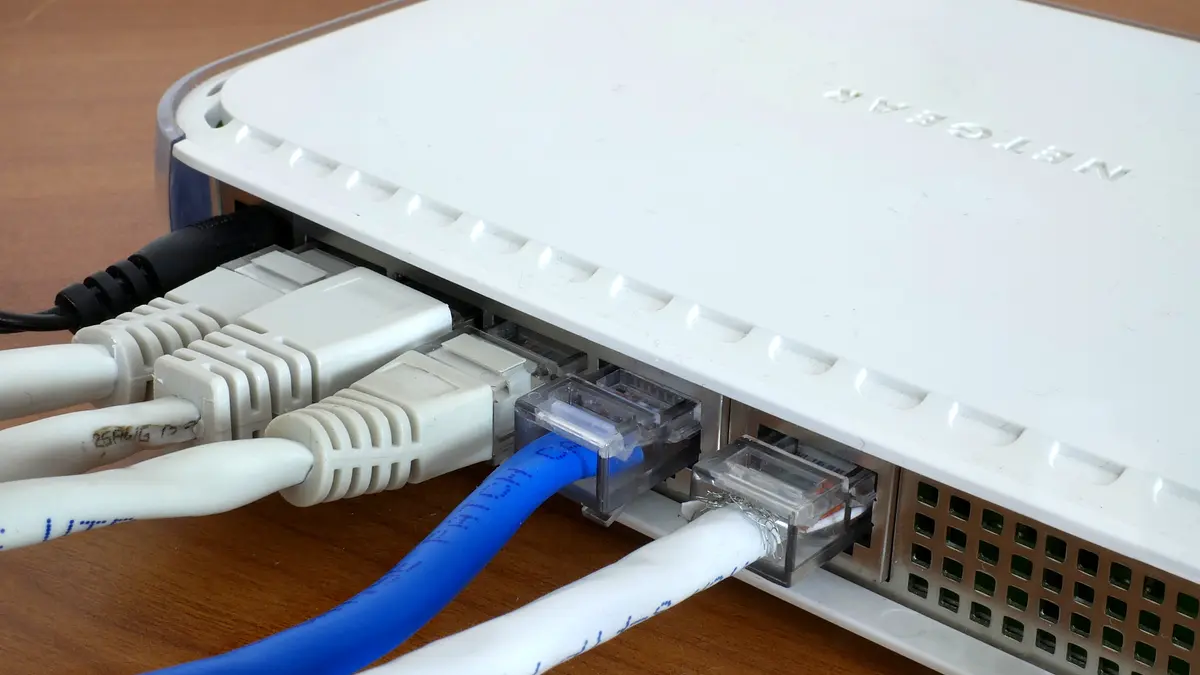
A hardware firewall is a physical device that sits between your internet connection and your internal network, protecting every device behind it at once. Many business-grade routers include firewall capabilities. Because it guards the whole network from a single point, a hardware firewall is ideal for offices with multiple computers and devices.
Software Firewalls
A software firewall runs on individual devices — the built-in firewalls in Windows and macOS are common examples. These protect the specific computer they’re installed on, which is especially valuable for laptops that travel outside the office and connect to untrusted networks. Software firewalls complement hardware firewalls rather than replacing them.
Next-Generation Firewalls (NGFW)
Next-generation firewalls go beyond simple packet inspection. They add features like deep inspection of traffic content, intrusion prevention, application awareness, and the ability to identify and block advanced threats. For businesses handling sensitive data or wanting stronger protection, an NGFW — often delivered as part of a unified security appliance — offers a significant upgrade.
Cloud and Hosted Firewalls
As businesses move to the cloud and remote work, cloud-based firewall services (sometimes called firewall-as-a-service) protect traffic regardless of where employees are located. These are managed remotely and scale easily, making them attractive for distributed teams without on-site IT staff.
How a Firewall Protects You: A Closer Look
Firewalls use several techniques to decide what traffic to allow. Packet filtering examines the basic details of each packet — where it’s coming from, where it’s going, and which port it’s using — against your rules. Stateful inspection goes further, tracking active connections so the firewall understands the context of traffic and can spot anomalies. Application-layer filtering, found in next-generation firewalls, looks at the actual content and the application involved, allowing much more precise control, such as permitting web browsing while blocking risky file transfers.
Together, these techniques let a firewall enforce a simple but powerful principle: allow only the traffic your business genuinely needs, and block everything else by default.
Firewalls Are Not a Complete Solution
As important as firewalls are, it’s a mistake to treat them as your only defense. A firewall controls network traffic, but it can’t stop an employee from clicking a phishing link, entering their password on a fake site, or downloading a malicious attachment — because that traffic often looks legitimate. Modern attacks frequently bypass the network perimeter entirely by targeting people.
That’s why a firewall should be one layer in a broader security strategy that also includes multi-factor authentication, regular software updates, endpoint protection, staff training, and reliable backups. Think of your firewall as the wall around your property: necessary and valuable, but not a substitute for locking your doors and training everyone inside.
Choosing the Right Firewall for Your Business
The right firewall depends on your size, budget, and how sensitive your data is. For a very small business or home office, the firewall built into a quality business router, combined with the software firewalls on each device, may be sufficient. As you grow, or if you handle sensitive customer or financial data, a dedicated hardware firewall or next-generation appliance becomes worthwhile.
When evaluating options, consider a few key questions. How many devices and users need protection? Do you have remote workers who need coverage outside the office? How much sensitive data are you responsible for? Do you have the expertise to manage it yourself, or would a managed service be a better fit? Answering these honestly will point you toward the right level of protection without overspending.
Configuring Your Firewall Correctly
A firewall is only as good as its configuration. An unconfigured or poorly configured firewall can give a false sense of security. Follow these principles to get it right.
- Deny by default. Block all traffic first, then allow only what your business specifically needs. This is far safer than allowing everything and blocking exceptions.
- Change default credentials. Firewalls and routers ship with default admin passwords that attackers know. Change them immediately and use strong, unique passwords.
- Keep firmware updated. Manufacturers release updates that patch security flaws. Enable automatic updates or check regularly.
- Close unused ports and services. Every open port is a potential entry point. If you don’t need it, close it.
- Segment your network. Separate guest Wi-Fi and less-trusted devices from your core business systems so a problem in one area doesn’t spread.
- Review logs and rules periodically. Your needs change over time; outdated rules create gaps.
Firewalls for Remote and Hybrid Work
When your team works from home or on the road, your office firewall no longer protects them. Each remote device relies on its own software firewall and, ideally, a secure connection back to your business resources. Ensure remote employees keep their device firewalls enabled, use secure connections such as a business VPN, and avoid conducting sensitive work over unsecured public Wi-Fi. Cloud-based firewall services can also extend consistent protection to employees wherever they are, closing a gap that traditional office firewalls leave wide open.
Managed Firewall vs. Doing It Yourself
Once you’ve chosen a firewall, you face another decision: manage it yourself or hand it to a provider. Each path suits different businesses. Managing it yourself keeps costs down and gives you full control, but it demands time and a reasonable level of technical knowledge to configure rules, monitor logs, and apply updates correctly. A poorly maintained firewall can quietly become a liability.
A managed firewall service, by contrast, puts configuration, monitoring, and updates in the hands of specialists who watch for threats around the clock. For small businesses without in-house IT, this can be well worth the subscription: you get enterprise-grade protection and expert oversight without hiring staff. If your business handles sensitive data or you simply lack the time to manage security properly, a managed option often pays for itself by preventing a single costly incident.
A Practical Example of Firewall Rules
To make firewalls concrete, imagine a small accounting firm. Their firewall is configured to deny all incoming connections by default, then allow only what’s needed: staff can browse approved websites and use email, the accounting software can reach its cloud service, and remote employees can connect through a secure VPN. Everything else — random inbound connection attempts, risky file-sharing services, connections to known malicious addresses — is blocked automatically.
If an attacker scans the firm’s internet connection looking for a way in, the firewall simply refuses every unsolicited request. If a compromised device tries to send data to an unfamiliar server, the firewall can block that outbound traffic too. This “allow only what’s necessary” approach means the firm’s network exposes the smallest possible surface to the outside world — exactly what good firewall design achieves.
Keeping Your Firewall Effective Over Time
A firewall isn’t a set-and-forget device. As your business adds tools, hires staff, and changes how it works, your firewall rules need to keep pace. Schedule periodic reviews to remove outdated rules, confirm that only necessary ports remain open, and verify that firmware is current. Watch the logs for unusual patterns, which can be an early warning of an attack in progress. A firewall that’s reviewed and maintained stays a strong defense; one that’s ignored slowly drifts out of step with your needs and can leave gaps you’re unaware of.
Frequently Asked Questions
Isn’t the firewall in my router enough?
For a small setup it may be a good start, but router firewalls vary in quality and configuration. Combining it with device software firewalls, and upgrading to a dedicated or next-generation firewall as you grow, provides stronger, layered protection.
Do I need a firewall if I use cloud services?
Yes. Even if much of your data lives in the cloud, your devices and network still need protection, and cloud firewall services can secure traffic for remote and hybrid teams. Cloud usage changes where the firewall sits, not whether you need one.
Will a firewall slow down my internet?
A properly sized firewall has a negligible impact on everyday use. Choosing a device rated for your number of users and internet speed ensures performance stays smooth while security stays strong.
Can a firewall stop ransomware?
A firewall can block some malicious traffic and limit how threats spread, but it can’t stop every attack — especially those that arrive through phishing. Pair it with backups, MFA, updates, and staff training for real ransomware resilience.
Final Thoughts
A firewall is one of the foundational building blocks of business network security — the barrier that stands between your systems and a hostile internet. Whether it’s the firewall built into your router, dedicated hardware, or a cloud service for your remote team, every business needs one properly configured and kept up to date. Just remember that a firewall is a starting point, not the finish line. Combine it with the other layers of a modern security strategy, and you’ll have a network that’s genuinely defended rather than merely connected.