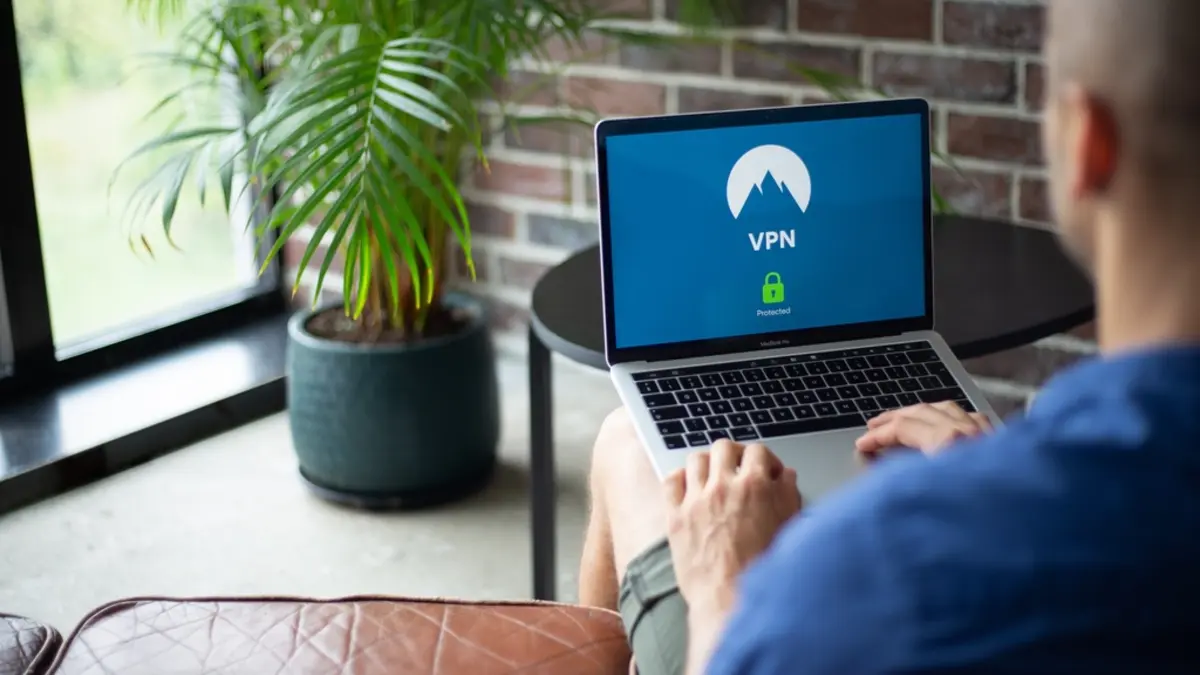
With remote work now a permanent feature of business life, employees connect to company systems from home offices, coffee shops, hotels, and airports. Every one of those connections is a potential security risk — and that’s exactly the problem a VPN is designed to solve. But VPNs are also widely misunderstood. In this guide, we’ll explain what a VPN actually does, when your business genuinely needs one, the different types available, and how to choose the right solution.
What Is a VPN?
A VPN, or Virtual Private Network, creates a secure, encrypted “tunnel” between a device and the network or internet it connects to. Instead of sending data across the internet in a form that could be intercepted, a VPN scrambles it so that anyone who manages to capture it sees only unreadable noise.
Think of it like an armored car for your data. Normally, information travels along public roads where others might peek inside. A VPN wraps that information in a protective shell, keeping it private as it travels from point to point. For businesses, this means employees can connect to company resources or browse the internet securely, even over untrusted networks.
What a VPN Actually Protects
A VPN provides two main benefits: encryption and privacy. Encryption ensures that data moving between the device and its destination can’t be read if intercepted — vital when employees use public or unsecured Wi-Fi. Privacy comes from masking the device’s real IP address and hiding browsing activity from the local network and internet provider.
For a business, the most important benefit is usually secure remote access. A VPN lets employees connect to internal systems and sensitive resources safely from anywhere, as if they were sitting in the office, without exposing that traffic to the open internet.
When Does Your Business Need a VPN?
Not every business needs a VPN for every purpose, but there are clear situations where one becomes important. Consider a VPN if any of these apply to you.
- You have remote or hybrid employees who need to access company systems from outside the office.
- Your team uses public Wi-Fi in cafes, airports, hotels, or co-working spaces, where traffic can be intercepted.
- You handle sensitive data — customer records, financial information, or confidential files — that must stay private in transit.
- You need to connect multiple locations securely, such as linking branch offices to a central network.
- You want to protect employee privacy and reduce exposure when browsing or working online.
If your business ticks any of these boxes — and most modern businesses tick at least one — a VPN is worth serious consideration.

Types of VPNs for Business
VPNs come in several forms, suited to different needs. Understanding the categories helps you choose the right approach.
Remote Access VPN
This is the most common type for businesses with remote workers. It lets individual employees securely connect to the company network from their own devices, wherever they are. When someone works from home and needs to reach internal files or applications, a remote access VPN provides that secure link.
Site-to-Site VPN
A site-to-site VPN connects entire networks to each other — for example, linking a branch office to headquarters. Rather than securing a single device, it creates a secure bridge between locations, so employees at each site can share resources safely.
Business VPN Services
Many providers offer managed business VPN services that combine ease of setup with central management. These are designed specifically for organizations, offering admin dashboards, user management, and dedicated support — a good fit for small businesses without in-house networking expertise.
Consumer vs. Business VPNs
It’s important to distinguish business VPNs from the consumer VPN services often advertised for personal privacy. Consumer VPNs focus on individual browsing privacy and unblocking content, and generally lack the central management, dedicated resources, and support a business needs. For company use, choose a solution built for business rather than a personal VPN app.
Features to Look for in a Business VPN
When evaluating VPN options, several features distinguish a solid business solution from a weak one.
- Strong encryption using modern, industry-standard protocols to keep data genuinely secure.
- Central management so admins can add and remove users, set policies, and monitor access from one place.
- Multi-factor authentication support, so a stolen password alone can’t grant VPN access.
- Reliable performance with enough speed and capacity for your team, avoiding frustrating slowdowns.
- Cross-platform support across the operating systems and devices your team uses.
- A kill switch that blocks traffic if the VPN connection drops, preventing accidental exposure.
- A clear no-logs or privacy policy and a trustworthy provider with a strong security reputation.
The Limits of a VPN
A VPN is a valuable security tool, but it’s not a complete security solution, and misunderstanding this can create a false sense of safety. A VPN secures data in transit, but it does not protect against malware, phishing, weak passwords, or a device that’s already compromised. If an employee’s laptop is infected or they’re tricked into revealing credentials, a VPN won’t stop the resulting damage.
In other words, a VPN protects the tunnel, not everything that travels through it. It should be one layer within a broader strategy that includes endpoint protection, MFA, updates, backups, and staff training. Used correctly and in combination with these measures, a VPN closes a real and important gap — but on its own, it isn’t enough.
VPN Best Practices
To get the most from a business VPN, follow a few key practices. Require multi-factor authentication for VPN access, so a compromised password can’t be used to log in. Keep the VPN software and any related devices updated to patch security flaws. Ensure employees actually use the VPN whenever they’re on untrusted networks — a VPN only helps when it’s turned on. Use strong, unique credentials for VPN accounts, and revoke access promptly when someone leaves the company. Finally, monitor VPN access for unusual activity, which can be an early sign of a compromised account.
Setting Up a VPN for Your Team
Rolling out a VPN is manageable even for small businesses. Start by identifying your needs: how many users, which resources they need to reach, and whether you need to connect multiple sites. Choose a reputable business VPN solution that fits those needs and your budget. Configure it with strong encryption and MFA, then create individual accounts for each employee rather than sharing logins. Provide clear setup instructions and a short walkthrough so the VPN is easy to use, and make it clear when employees are expected to connect through it. Finally, test the setup and monitor its use, adjusting as your team and needs evolve.
How VPN Encryption Works Behind the Scenes
You don’t need to be an engineer to use a VPN, but understanding the basics builds confidence in what it’s doing. When you connect, the VPN establishes an encrypted tunnel using a security protocol — a set of rules that governs how data is scrambled and verified. Your device and the VPN server exchange keys and agree on how to encrypt the traffic. From that point on, everything you send is encrypted before it leaves your device and only decrypted once it reaches the other end of the tunnel.
This is why intercepting VPN traffic is useless to an attacker: even if they capture it, they see only scrambled data. Modern VPNs use strong, well-tested protocols, and reputable providers keep these up to date as security standards evolve. When choosing a VPN, favor solutions that use current, industry-standard protocols rather than outdated ones, since the strength of the encryption is what makes the whole system trustworthy.
Common VPN Mistakes to Avoid
A VPN only delivers its benefits when it’s used correctly. Several common mistakes undermine its protection:
- Not actually using it. A VPN that employees forget to switch on protects nothing. Make its use clear and, where possible, automatic on untrusted networks.
- Sharing accounts. Shared VPN logins remove accountability and make it impossible to revoke access cleanly. Give each employee their own account.
- Skipping MFA. Without multi-factor authentication, a stolen VPN password grants an attacker a secure tunnel straight into your network.
- Relying on it as your only defense. A VPN doesn’t stop malware or phishing; treating it as complete security is a dangerous assumption.
- Choosing a cheap or free service. Poor-quality VPNs may log or mishandle your data, defeating the entire purpose.
Avoiding these pitfalls ensures your VPN delivers the protection you’re paying for rather than a false sense of security.
Frequently Asked Questions
Does a VPN make my business completely secure?
No. A VPN secures data in transit and enables safe remote access, but it doesn’t stop malware, phishing, or weak passwords. It’s one important layer within a broader security strategy, not a standalone solution.
Can I use a free VPN for my business?
Free VPNs are generally a poor choice for business. They often have performance limits, weaker security, and questionable data practices, and they lack the management and support a business needs. Invest in a reputable business solution instead.
Will a VPN slow down our internet?
A VPN can add some overhead because it encrypts traffic, but a quality service sized for your team keeps the impact minimal. Choosing a reputable provider with good performance ensures the trade-off is well worth the added security.
Do employees need to use the VPN all the time?
At minimum, they should use it whenever accessing company resources or working on untrusted networks like public Wi-Fi. Some businesses require it for all work traffic; decide based on how sensitive your data and connections are.
What’s the difference between a business VPN and a consumer VPN?
Consumer VPNs are designed for individual privacy and unblocking content, and typically lack central management, user controls, and business support. Business VPNs add the features organizations need — admin dashboards, per-user accounts, MFA support, and dedicated resources — making them the right choice for securing a team and connecting company resources safely.
Final Thoughts
A VPN is a practical, affordable way to secure your business data as it travels across the internet and to give remote employees safe access to company resources. As remote and hybrid work become the norm, that protection is increasingly essential. Just remember that a VPN protects the connection, not the whole system — so pair it with endpoint protection, MFA, updates, and training for genuine security. The right VPN, used consistently, becomes an invisible but reliable guardian of your business communications, quietly doing its job every time an employee connects from outside the office. Choose a business-grade solution, configure it with strong encryption and multi-factor authentication, and make sure your team uses it consistently. Done right, a VPN quietly protects one of your most important assets: the data flowing to and from your business every day, wherever your team happens to be working.